You do not need a DSLR and external flash just to get German passport photos. I used gear I already owned because we were photographing several family members and I wanted multiple attempts. The important part is the biometric result, correct size and current German Mission instructions—not owning this camera setup.
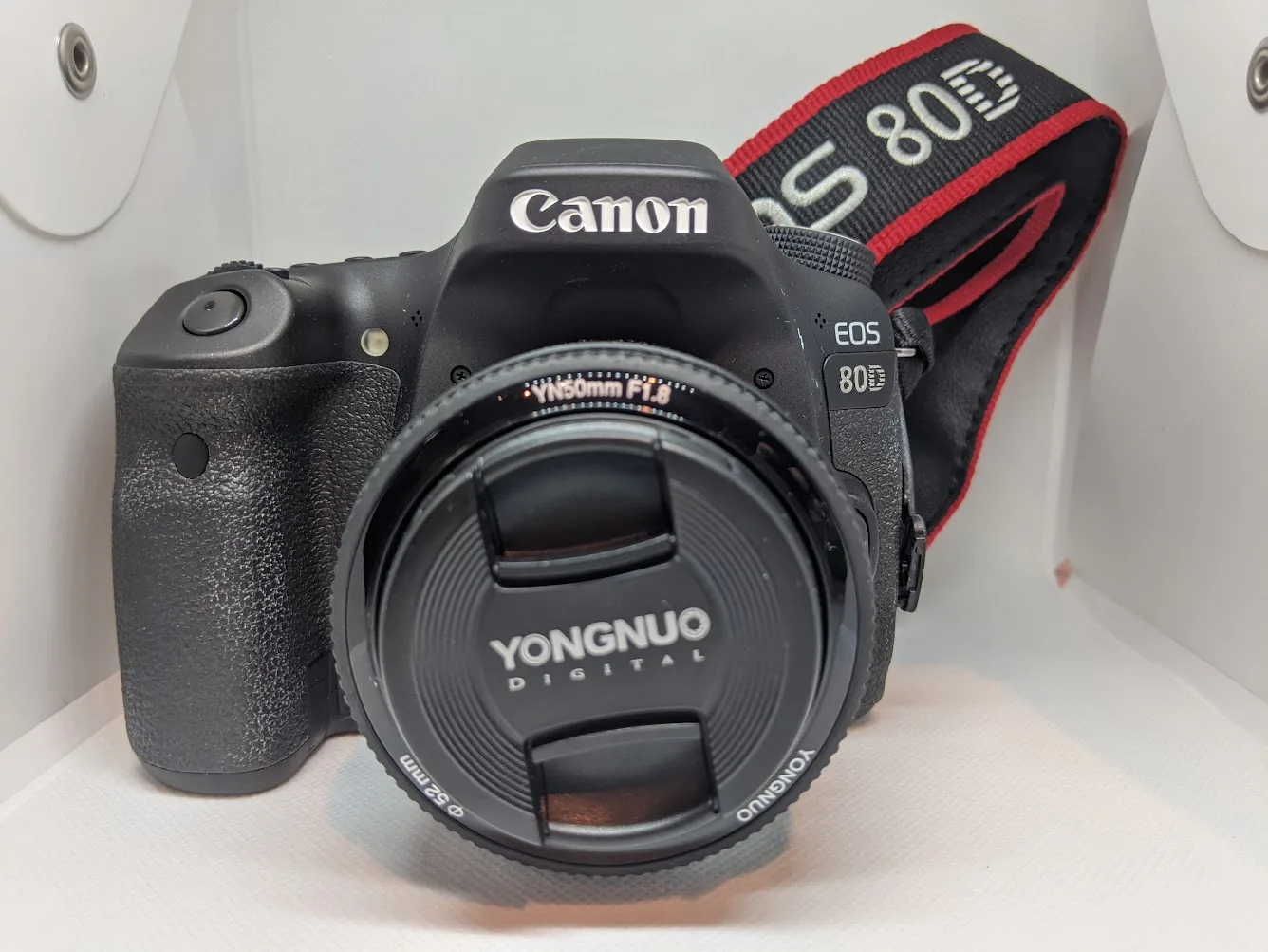
The Canon EOS 80D and Yongnuo 50mm f/1.8 lens I used. This is equipment I already owned, not a required passport-photo kit.
The workflow that worked for us
Take more than one photo
I took roughly five to ten frames of each person instead of trying to make a single shot work. That gave me choices for expression, eye position, sharpness and crop.
Use even, controlled light
I used a Canon 430EX II Speedlite with the camera setup. The goal was not a dramatic portrait; it was a clean, evenly lit identification photo with a neutral background and minimal shadows.
Place the best frames in a sizing template
I made my own print template so I could control the physical photo dimensions instead of trusting a screen preview.
Print several options
I printed on Canon Semi-Gloss photo paper with our Epson EcoTank ET-3958. Printing several versions cost very little with the tank printer and gave us backups.
Measure the print
I used a Shinwa ruler to physically verify the sizing. Screen dimensions are not enough; the printed result is what matters.
Bring them uncut
The German Missions' current instructions specifically say not to cut the passport photos yourself. We took the printed sheets to the Embassy uncut.
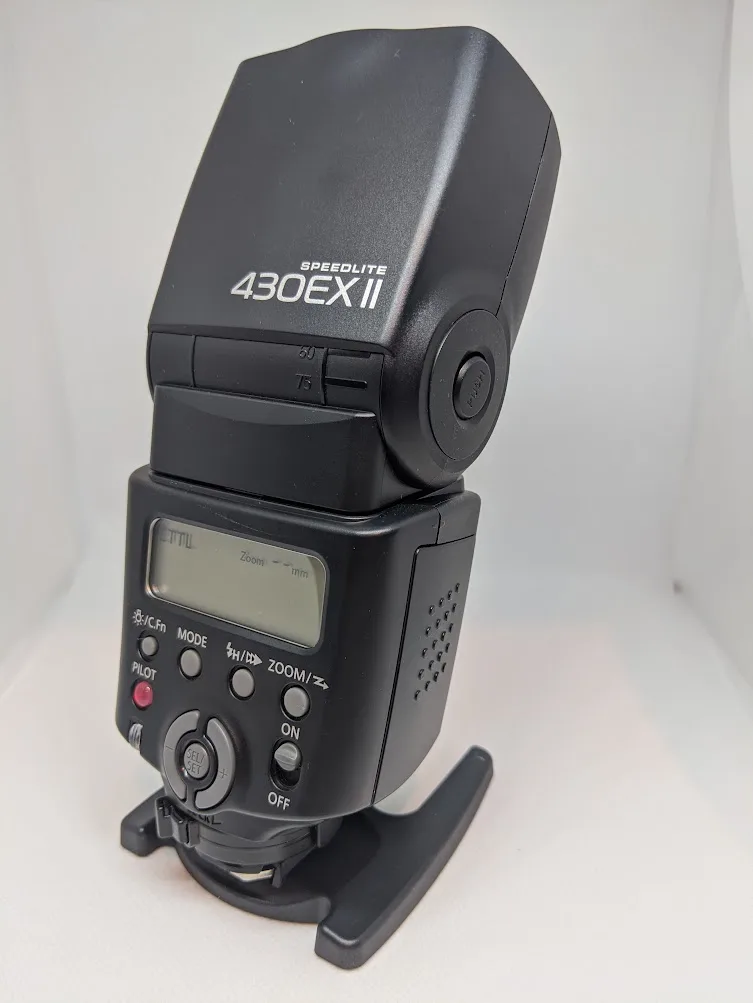
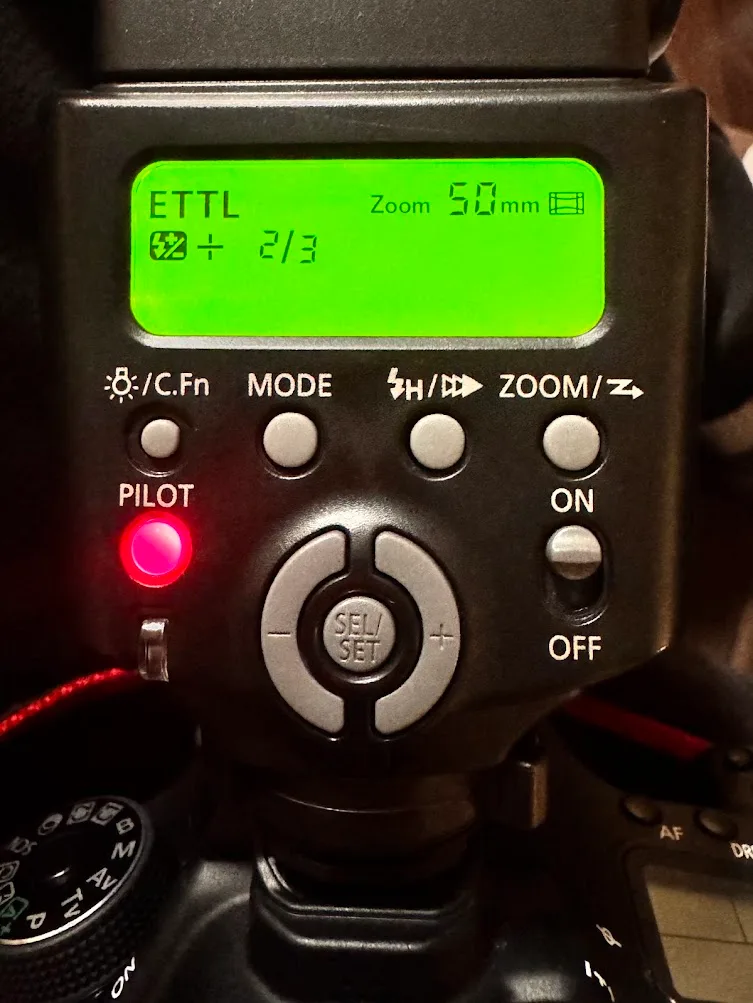
The gear I actually used
An older DSLR I already owned. A modern camera or capable phone can also work if you can produce a compliant image.
Current Amazon listing / availability →The inexpensive Canon EF-mount prime I used for the portraits.
See the lens on Amazon →Mine is an older model. I would not buy this exact flash just for passport pictures.
Browse current Canon Speedlite options →The printer we already use for home and small-business work.
Read our ET-3958 review →This is the photo paper I used for the passport-photo sheets.
See the paper on Amazon →I used a physical ruler to verify the final printed dimensions rather than trusting the software preview.
See the ruler on Amazon →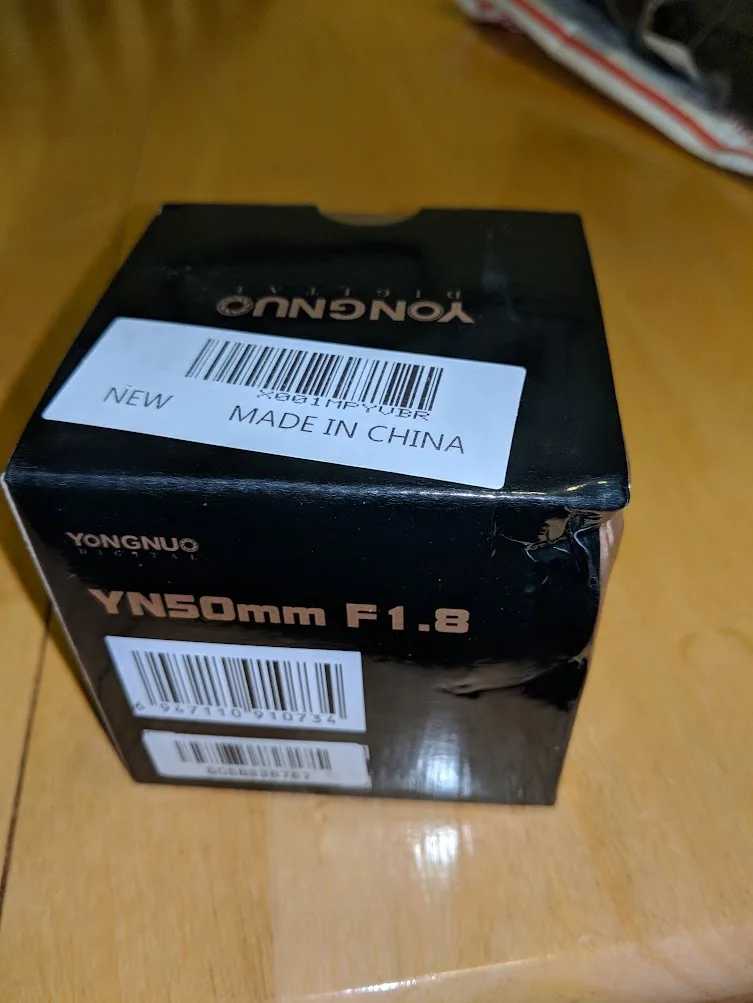
The Yongnuo 50mm f/1.8 box from the lens I bought years ago and still had available for this job.
Why I still liked doing the photos at home
The Embassy had a $5 photo booth during our October 2026 visit, which is an excellent fallback and is simpler for many people. Home printing made sense for us because several family members needed photos and I could take many attempts, compare them and arrive with backups already printed.
Use the German photo rules, not U.S. passport assumptions
German passport photos have their own biometric requirements. Use the German Mission's current sample-photo sheet and template when you crop and print. Do not assume a photo is compliant merely because it would work for a U.S. passport.
Official sources
- German Missions — adult passport photo requirement
- German Missions — child passport photo requirement
- German biometric passport sample photos / template
Photo standards and consular procedures can change. Check the current German Mission instructions before relying on an older template or saved dimensions.