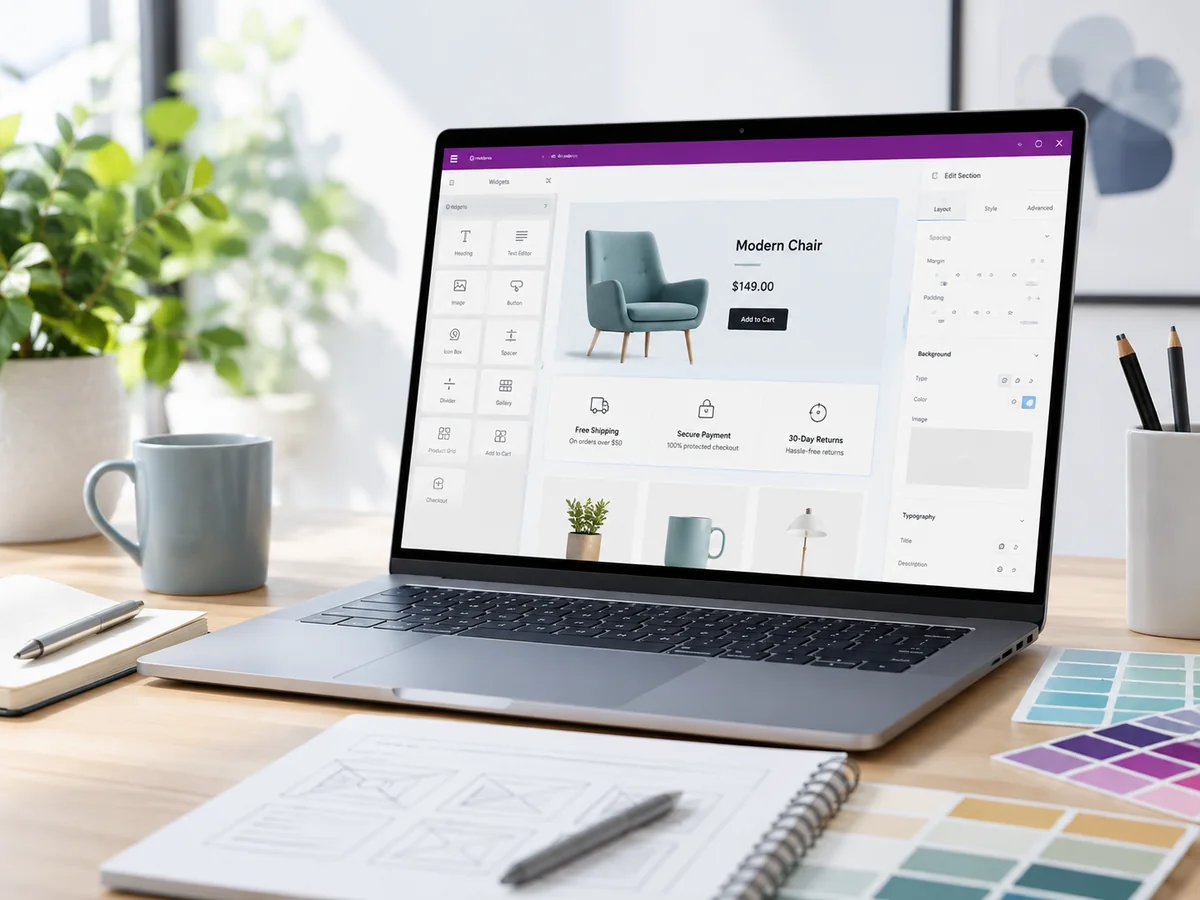
Our small-business coverage is informed by helping operate Olive Plus Sage, a handmade skincare brand that has sold on Etsy since 2019 and through its own WooCommerce store since 2024. We built and manage the website, ecommerce systems, product listings, shipping workflow and related tools. Product claims and current platform details are checked against official documentation.
Quick verdict
Elementor Pro made it possible to build a highly customized WooCommerce store without hiring a developer, but it also introduced a learning curve, recurring cost and dependence on Pro widgets. For an existing store already built around its templates, keeping Pro is much easier than replacing it.
Elementor Pro is worth keeping for Olive Plus Sage because important archive, loop, search, form and WooCommerce elements depend on it. A brand-new simple store may not need Pro on day one.
The Pro features our store actually uses
A scan of OlivePlusSage.com found the following Elementor Pro widgets in active use:
- Loop Grid: 3 instances
- Archive Products: 2
- Search: 2
- Featured Image: 1
- Archive Posts: 1
- Loop Carousel: 1
- Form: 1
- Call to Action: 1
- Product Categories: 1
- Product Price: 1
Those are not merely decorative extras. Several shape product discovery, archive layouts and customer interaction.
Our experience building with Elementor Pro
We built the entire Olive Plus Sage site ourselves using online tutorials, examples and trial and error. Elementor made visual design accessible, but it was still a learning process. The most frustrating moments occur when a plugin conflict or unknown issue prevents a page from opening in the editor, especially when an urgent change is needed.
Advantages and drawbacks
What we like
- Visual control without custom development
- Useful WooCommerce and archive widgets
- Loop Grid and Loop Carousel for flexible product displays
- Forms, search and calls to action in one builder
- Large tutorial ecosystem
What to consider
- Annual cost
- Can become deeply embedded in site templates
- Plugin conflicts can block editing
- Performance requires attention
- Moving away later may require rebuilding layouts
Could we downgrade to Elementor Free?
Not safely without a replacement plan. Deactivating Pro could affect templates and widgets currently used across the store. A downgrade would require identifying every Pro dependency and rebuilding those sections with free widgets, native blocks or another theme system.
For a new seller, the better question is not whether Pro is universally necessary. It is whether the store requires custom archives, product loops, forms and WooCommerce templates that justify the subscription.
Who should buy Elementor Pro?
Good fit
- Store owners who want custom product and archive layouts
- Non-developers willing to learn a visual builder
- Sites that will use forms, loops, search and WooCommerce widgets
Start simpler when
- You need only a basic store with a strong theme
- You want the lowest maintenance burden
- You are unsure whether paid widgets will be used